
Common iPhone Repairs and Solutions

iPhones are incredible devices that keep us connected, entertained, and productive. But like any technology, they can run into problems. When your iPhone isn’t working right, it can be frustrating and stressful. I’ve seen many common iPhone repairs that can be fixed quickly and affordably. Knowing what to expect and how to handle these issues can save you time and money.
In this post, I’ll walk you through some of the most common iPhone repairs and practical solutions. Whether it’s a cracked screen, battery trouble, or software glitches, I’ll share clear advice to help you get your device back in shape. Let’s dive in and explore how to keep your iPhone running smoothly.
Common iPhone Repairs You Should Know About
Many iPhone problems are common and happen to users everywhere. Here are some of the most frequent repairs I encounter:
1. Cracked or Broken Screen
A cracked screen is probably the most common iPhone repair. It happens when the phone slips from your hand or falls on a hard surface. A broken screen can make your phone hard to use and may cause further damage if left untreated.
What to do:
Avoid using the phone if the screen is shattered to prevent cuts or further damage.
Get the screen replaced as soon as possible. Screen replacement is a straightforward repair that restores your phone’s touch sensitivity and display quality.
Use a screen protector and a sturdy case after repair to prevent future cracks.
2. Battery Issues and Replacement
If your iPhone battery drains quickly or the phone shuts down unexpectedly, it might be time for a battery replacement. Batteries wear out over time, and a weak battery can affect your phone’s performance.
Signs you need a new battery:
Battery percentage drops fast.
Phone turns off even when the battery shows charge.
The device feels hot during use or charging.
Solution:
Replace the battery with a genuine part to ensure safety and performance.
Avoid third-party batteries that can cause damage or void warranties.
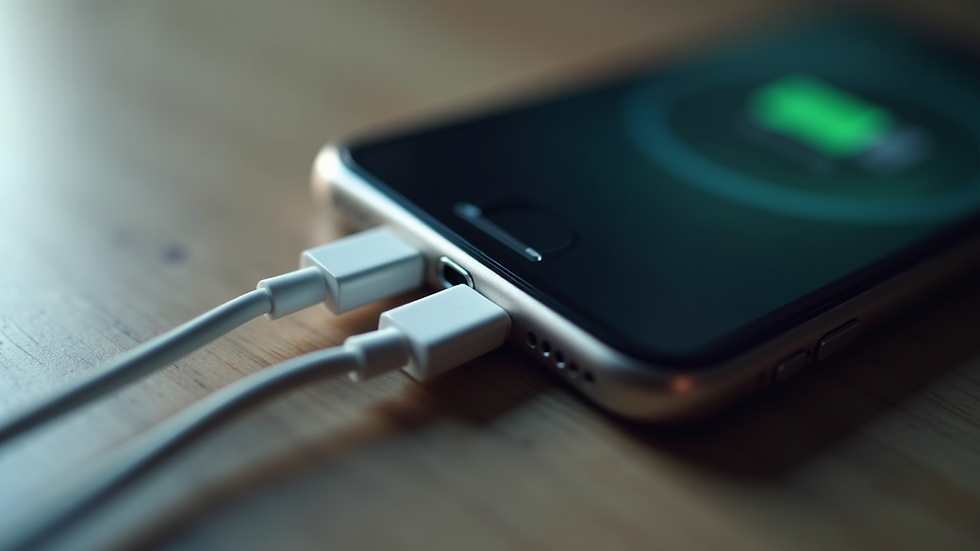
3. Charging Problems
Sometimes your iPhone won’t charge or charges very slowly. This can be due to a faulty charging port, bad cable, or software issues.
How to fix:
Check your charging cable and adapter for damage.
Clean the charging port gently with a soft brush or toothpick to remove dust and lint.
Restart your phone or update the software to fix glitches.
If the port is damaged, it may need professional repair.
4. Water Damage
Accidents happen, and water damage is a common cause of iPhone failure. Even though newer iPhones have some water resistance, exposure to liquids can still cause serious problems.
What to do immediately:
Turn off the phone and do not charge it.
Dry the phone with a soft cloth and place it in a bag of uncooked rice or silica gel packets to absorb moisture.
Avoid using heat sources like hair dryers.
Take it to a repair shop quickly for professional cleaning and repair.
5. Software Issues and Freezing
Sometimes your iPhone may freeze, crash apps, or fail to update. These problems are often software-related and can be fixed without hardware repairs.
Steps to try:
Restart your iPhone.
Update to the latest iOS version.
Reset settings or perform a factory reset if necessary (after backing up your data).
If problems persist, professional diagnostics can help identify deeper issues.
How to Choose the Right Repair Service
When your iPhone needs repair, choosing the right service is crucial. You want fast, reliable, and affordable repairs with quality parts and a warranty.
Here are some tips to find the best repair shop:
Look for certified technicians with good reviews.
Ask if they offer a warranty on repairs.
Check if they use genuine or high-quality replacement parts.
Find a shop that offers quick turnaround times.
Consider their commitment to sustainability and community support.
For those in Denver, I recommend checking out elite iphone repair denver. They provide fast, reliable service with a lifetime warranty and focus on customer satisfaction.

Tips to Prevent Common iPhone Problems
Prevention is always better than repair. Here are some simple tips to keep your iPhone in good shape:
Use a high-quality case and screen protector.
Avoid exposing your phone to extreme temperatures or moisture.
Clean your charging port regularly.
Update your iOS software to the latest version.
Avoid overcharging your battery by unplugging once fully charged.
Handle your phone carefully to prevent drops and impacts.
When to Seek Professional Help
Some iPhone issues can be fixed at home, but others require professional attention. If you notice any of the following, it’s time to visit a repair expert:
Persistent screen flickering or unresponsiveness.
Battery swelling or overheating.
Charging port damage or loose connections.
Water damage with no improvement after drying.
Software problems that don’t resolve with resets or updates.
Professional repair shops have the tools and expertise to diagnose and fix these problems safely and effectively.
Keeping Your iPhone Healthy for the Long Term
Taking care of your iPhone means fewer repairs and longer device life. Regular maintenance and smart usage habits go a long way. Remember, quick repairs prevent small issues from turning into costly problems.
If you ever need help, don’t hesitate to reach out to trusted repair services like elite iphone repair denver. They offer expert repairs with a focus on quality and customer care.
By understanding common iPhone repairs and solutions, you can keep your device working smoothly and enjoy all the benefits your iPhone has to offer. Stay proactive, and your phone will thank you!


Comments